
Historian
The system periodically saves the states and values of all points in the system, by default every 60 minutes. This section allows consulting this data. This feature might not be enabled in your license
A Historical View must be predefined using the Point context menu, to which certain points of interest are added; then, when selected in this section, the states and values of the composing points and the date and time each snapshot was recorded will be presented in table format.
It is possible to define the time interval to display in the table, page through it and download the data in CSV format (comma-separated values) for analysis in other programs, such as Microsoft Excel.
The historical data recording interval can be defined in Settings within EQUINOX Core
Access and usage
Select the Historian tab, located after the Logs tab, following the tabs corresponding to the Displays.
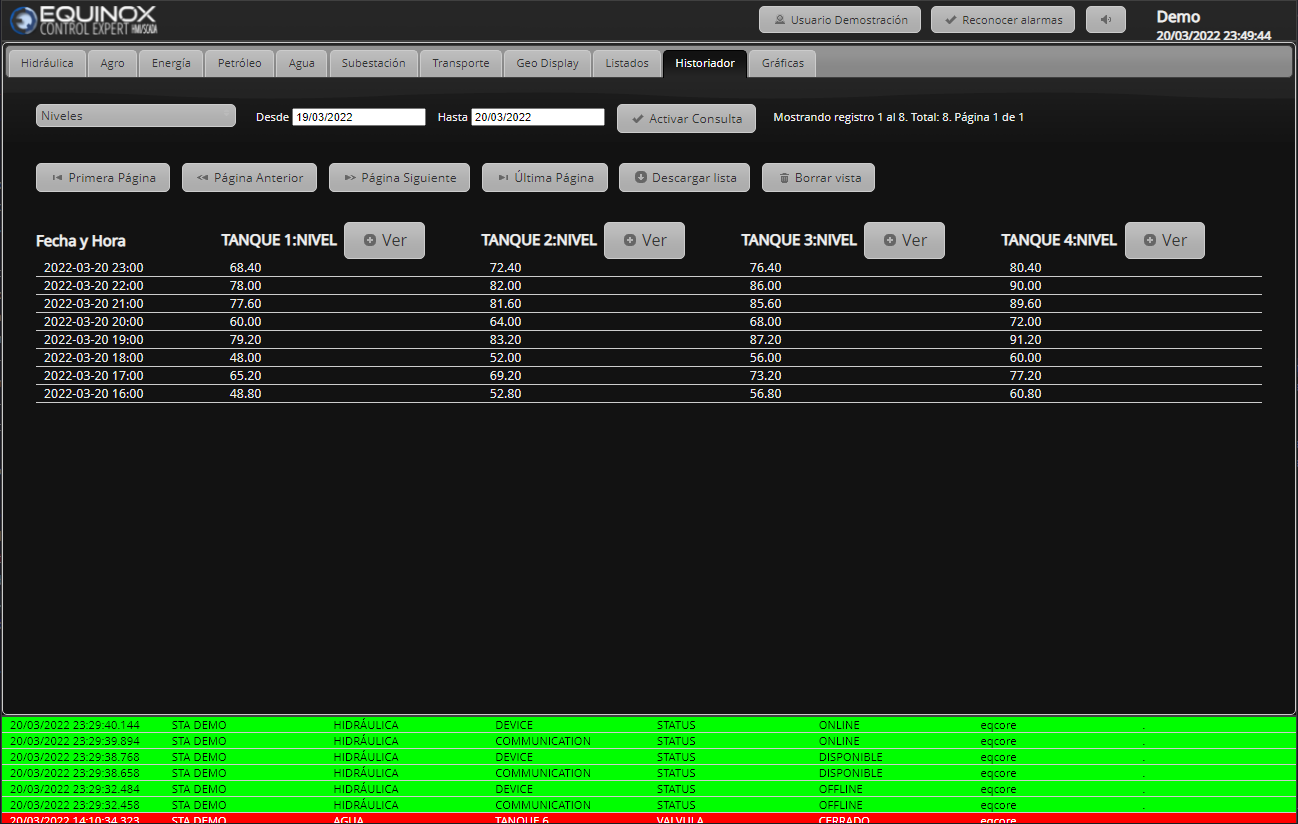
Buttons
| Function | |
|---|---|
| Select the Historical View to display |  |
| Time range, from 00:00 of the start date to 23:59 of the end date. Default: last day. | 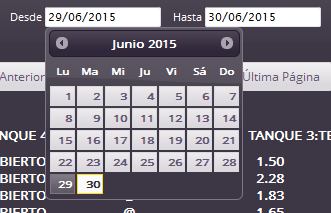 |
| Run query: retrieve data according to the selected View and time range |  |
| Move forward or backward, go to the first or last page of the log |  |
| Download the log of all pages in CSV format |  |
| Delete the current View (only the View, it does not delete the historical data) |  |
| View the maximum, minimum (with the date it occurred) and average values of a given point | 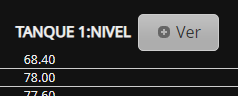 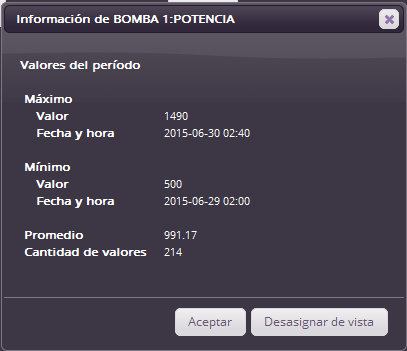 |